New Semester Planner Guide: Set Up Your Best Semester Yet
Set up your spring semester before January: connect a semester-at-a-glance map, an assignment tracker and a weekly planner into one 90-minute system that runs all term.
January You Is Counting on November You
There’s a specific week every semester when students say, “I wish I’d known this was coming.” Three exams land in five days, a paper deadline crawls out of a syllabus nobody re-read, and the semester that felt spacious in week 2 turns out to have been crowded all along — the collisions were printed in the syllabi from day one.
The spring semester is your chance to see those collisions before they arrive. And the best time to set up is now: during the calm at the end of this term, or in the quiet days of break, when you have the syllabi (or last year’s versions) and ninety unhurried minutes. This guide walks through the whole setup — the same checklist our Semester Planner Checklist lays out, expanded into a step-by-step build.
The Three Pages That Run a Semester
You don’t need a twelve-section planner. You need three pages that talk to each other, each answering a different question:
| Page | The question it answers | Update rhythm |
|---|---|---|
| Semester at a Glance | ”What does the whole term look like — where are the crunch weeks?” | Once, at setup; glance weekly |
| Assignment Tracker | ”What exactly is due, when, and how much is it worth?” | Every time a syllabus changes or a task is announced |
| Weekly Planner | ”What am I actually doing this week, hour by hour?” | Every Sunday, 15 minutes |
The logic flows downhill. The glance map shows you the term’s shape. The tracker holds every obligation the map can’t fit. The weekly planner converts both into this week’s schedule. When a week feels chaotic, the answer is almost always that one of the three pages went stale.
The 90-Minute Setup, Step by Step
Do this once, before classes start (or in week 1 at the latest). You’ll need your course syllabi — most professors post them to the course portal before the first lecture, and last semester’s syllabus is a good draft if the new one isn’t out yet.
Step 1 — The syllabi sweep (30 minutes)
For each course, extract only four things: exam dates, major deadlines, weekly recurring work (labs, quizzes, problem sets), and each item’s weight toward your final grade. Resist reading the policies section. You’re mining dates and percentages, not studying the document.
Step 2 — Build the map (20 minutes)
Transfer every exam and major deadline onto the Semester at a Glance grid — all 16 weeks on one page. Then do the most valuable part of the entire setup: circle the crunch weeks, any week holding two or more major items. Those circles are your semester’s weather forecast. You now know, in November or December, exactly which March weeks need early preparation.
Step 3 — Load the tracker (20 minutes)
Enter every graded item into the Assignment Tracker: course, item, due date, weight, status. The weight column matters more than students expect — a 2% homework and a 25% midterm should not receive the same panic. The tracker is also where announced changes go all semester; it’s your single source of truth when a professor says “as I mentioned in class…”
Step 4 — Draft your default week (15 minutes)
On the Weekly Planner, block in this order:
- Classes and labs (fixed — they go in first)
- Sleep and meals (protect them like appointments, because the semester will try to spend them)
- Study blocks attached to each class — the review session happens because it’s on the page
- Work, commute, life admin
- Buffer — at least two empty hours. A week with no buffer is a plan that breaks on first contact.
This is a template, not a promise. You’ll re-draw it each Sunday with the real week’s demands; the template just means you never start from a blank page.
Step 5 — Set the weekly ritual (5 minutes)
Pick a fixed 15-minute slot — Sunday evening works for most students — and write it at the top of the planner: glance at the map → check the tracker → draw next week’s planner. That’s the entire maintenance routine for the semester. Systems die from skipped maintenance, not from bad design, so make the ritual small enough to survive your worst Sunday of the term.
Worked Example: Jordan’s Spring Semester
Jordan is taking five courses: Organic Chemistry, Statistics, Psychology, Spanish, and an English seminar. The setup takes one Sunday afternoon in early January.
The map. Laying out all five syllabi, Jordan finds the collisions immediately: Week 9 holds the O-Chem midterm (25%), the Stats midterm (20%) and the English paper (15%) — a genuine crunch week. Week 13 has the Psych exam and Spanish oral. Finals week is heavy but spread out.
The response. Because Week 9 is circled in January, Jordan treats it from Week 7: O-Chem problem sets get an extra review block starting Week 6, the English paper’s outline is due (to himself) in Week 8, not Week 9. The crunch still happens — but it happens prepared, at half intensity.
The default week. Classes occupy mornings. Jordan blocks study sessions directly after each lecture (review while it’s fresh), protects 11 PM–7 AM sleep, keeps Friday evening empty as buffer/social time, and puts the 15-minute planning ritual at 6 PM Sunday.
The tracker. 31 graded items across five courses, weights from 2% (weekly Spanish quizzes) to 30% (the O-Chem final). Sorting it by weight instantly shows where the semester will actually be won or lost.
Nothing about Jordan’s semester got easier. It just stopped being surprising.
When Reality Edits the Plan: Week 1 and Beyond
A fair worry: what if the syllabus changes the moment classes start? It will, slightly. Professors move a midterm, swap two units, add a project. The system is built for this, because each page has exactly one job and updates cascade in one direction:
- A date moves → change it on the map, change it in the tracker, done. Two minutes. Check whether a crunch week appeared or dissolved.
- A new assignment is announced → it goes in the tracker the same day, with its weight. If it isn’t in the tracker, it doesn’t officially exist — and unofficial tasks are the ones that ambush you.
- A class turns out harder than expected → its study blocks on the weekly planner grow at the next Sunday ritual, funded by shrinking a class that’s going fine. The default week is a budget, and budgets get rebalanced, not abandoned.
What you should not do is rebuild the whole setup mid-semester because week 3 got messy. The map is allowed to have crossings-out. A working planner with corrections on it beats a beautiful planner started fresh four times — each restart throws away the one thing the system exists to give you: a continuous view of the term.
A two-minute monthly check
Once a month — the last Sunday is easy to remember — spend two minutes on three questions:
- Does the map still match reality (any unlogged date changes)?
- What does the tracker say is my biggest remaining grade risk?
- Is my sleep block still intact on a typical week?
If the answers are yes, you-know-it, and yes, the semester is under control, whatever the week ahead looks like.
Three Setup Mistakes to Skip
| Mistake | Why it fails | Do this instead |
|---|---|---|
| Planning every week of the term in advance | Week 3’s plan is fiction by Week 4; you’ll abandon the whole planner | Build the map + default week. Plan specifics one week at a time, on Sundays. |
| The color-coding spiral | 40 minutes decorating a planner is procrastination wearing a productivity costume | One pen. Circles for crunch weeks. Done. |
| Migrating to a new app mid-setup | You’ll spend the 90 minutes configuring software instead of seeing your semester | Paper first — print the three pages free, and only digitize later if paper genuinely fails you |
Start Before the Syllabus Week Rush
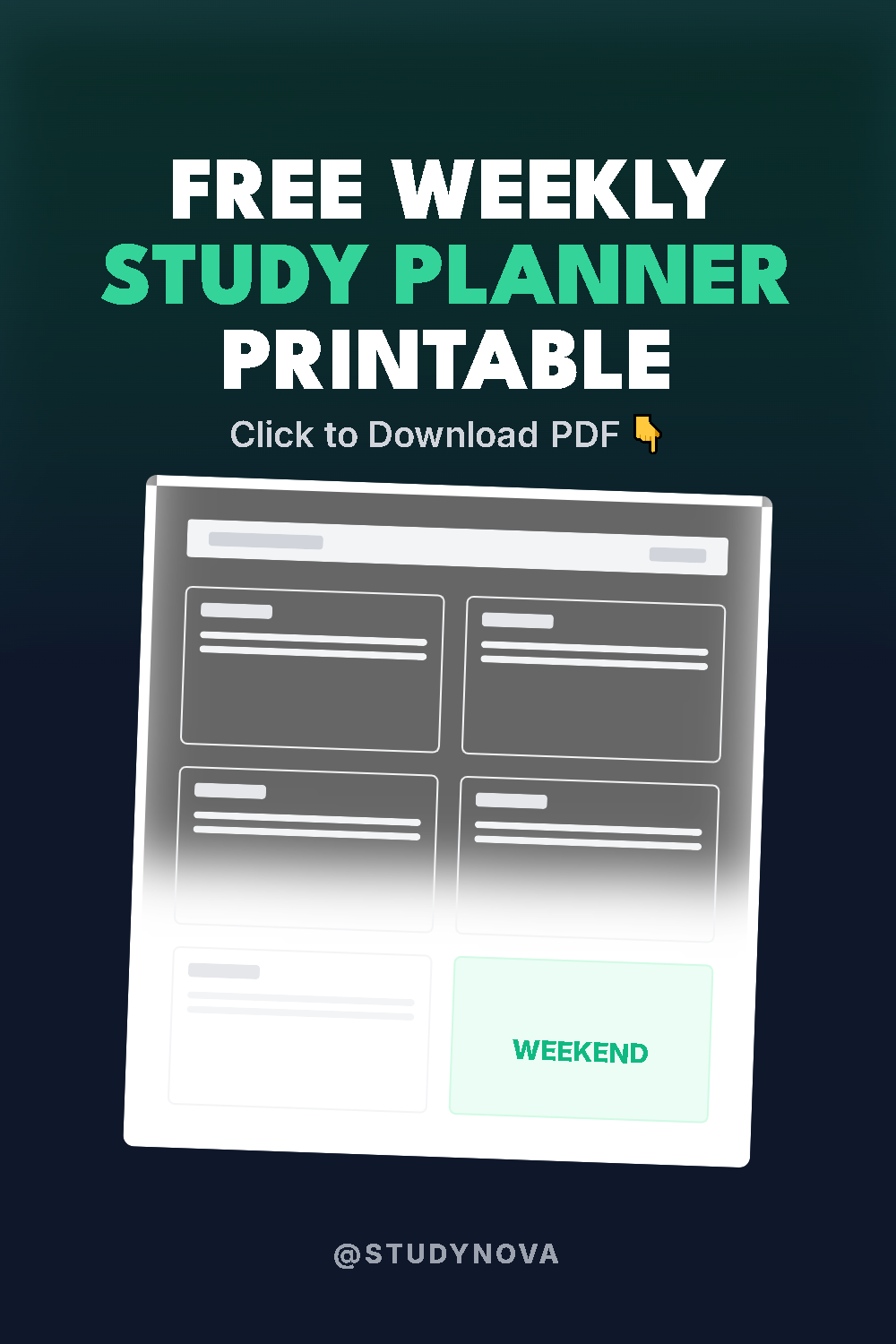
Everything in this guide is free to start: the three pages are in the printables library, and the free Weekly Planner is the same page Jordan’s default week is drawn on. Ninety minutes now buys you a semester with no ambushes — and if you run the same setup again in the fall, it takes half the time, because the system is already yours.
Set the map. Load the tracker. Draw the week. Then just follow it, one Sunday at a time — and let this be the first semester that never once catches you by surprise.
Get the Free Weekly Study Planner
The exact one-page planner from the StudyNova system. Drop your email and we'll send the PDF instantly.
One useful email a week. No spam, unsubscribe anytime.